The map was always in the bundle. Now the graph draws it.
🇧🇷 Ler em portuguêsOpen somebody else's knowledge bundle as a graph and the first thing you meet is a field of coloured dots. They are the right dots. They are connected the right way. And there is nothing in the picture that tells you which one to click first.
That is the problem this half of okf 1.9.0 went after, and the fix turned out to be less about adding navigation than about drawing something the bundle was already carrying.
The layer that was hiding in a mode
Every OKF bundle carries an authored index.md per directory: the §6 map, written by a human, describing what that directory holds and why. It is the most curated artifact in the bundle and the graph page could only show it inside file-tree mode, where a folder node stood in for the directory's map. Choose any other layout and the authored layer vanished.
Show indexes makes it a layer rather than a mode. Each map becomes a tile, edged to the concepts it lists and to the maps below it, over whatever layout is already running:
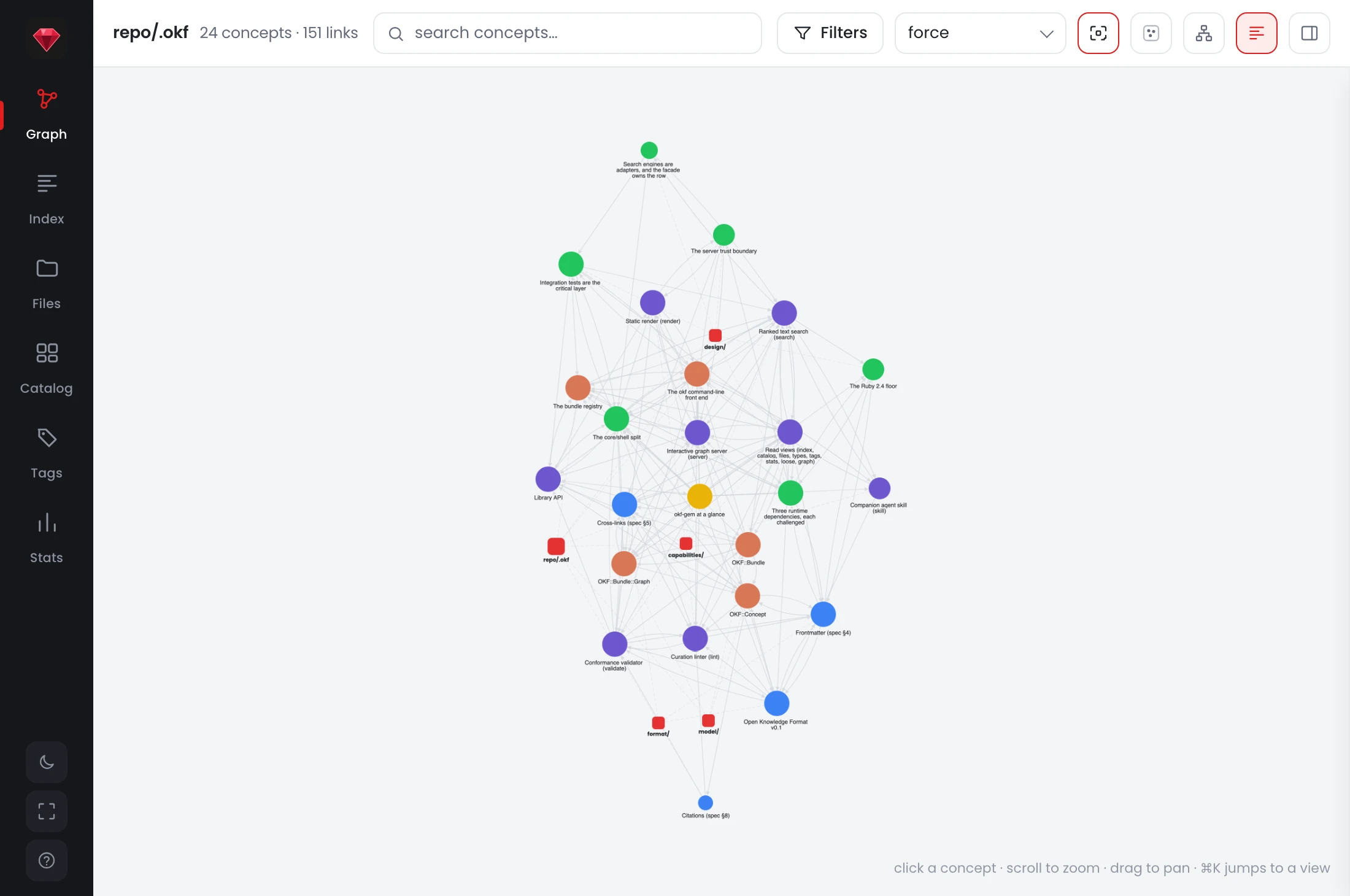
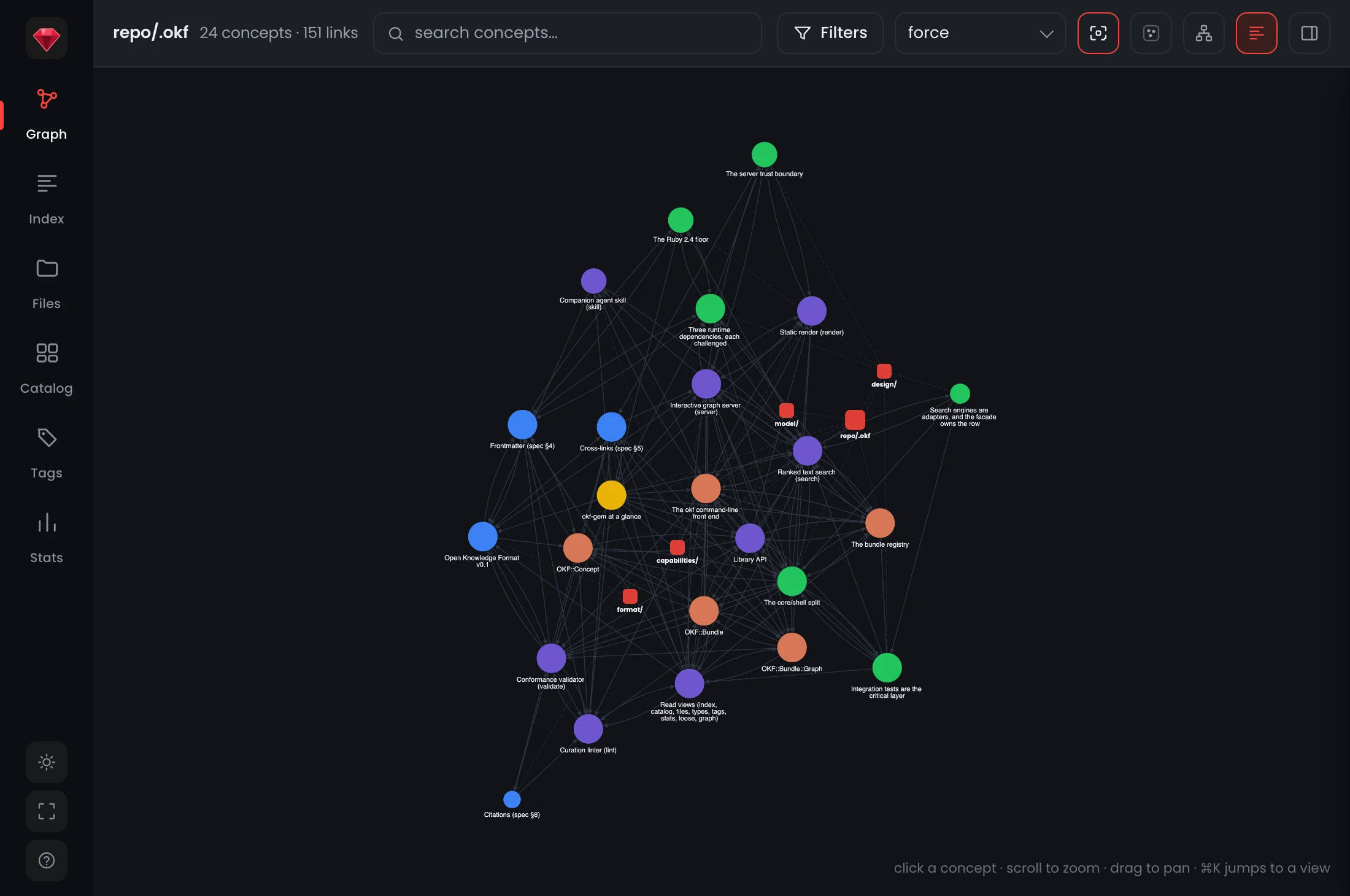
The five squares are the bundle's authored maps, and the force layout underneath is unchanged. That is the point: the layer composes with the layout instead of replacing it, so turning it on no longer costs you the arrangement you were reading.
Colour separates kinds, form separates authorship
Two decisions in that picture are load-bearing.
The first is that a directory is not a concept and should not read as one. A folder and its tile are the same thing twice over, because clicking either opens that directory's index.md, so they look alike: accent squares with dashed edges, against round nodes coloured by type. Colour now separates kinds rather than modes.
The second is that authorship shows as form. A map an author actually wrote draws solid. A map the bundle only implies, a directory with concepts in it and no index.md, draws hollow and dashed. Nothing in the UI scolds you about the gap; the shape just tells you where the curation is, which makes the toggle read as much like a curation report as a navigation aid.
Turning the layer on and off is one click either way, and it leaves your filters where they were: a map has no type and no tags, so filters pass it over, though a map whose concepts all get filtered away leaves with them.
The tree that was really a list
The Files view had a similar problem lower down. Directories were a sorted list of full paths, which made core and core/configurations read as two unrelated folders and left the shape of a bundle invisible.
It nests now: one path segment per row, indented by depth, folders before files, and collapsing a folder takes its subtree with it. A directory holding nothing but directories still renders, so the chain to its children never breaks.
The more consequential change is what happened to the authored files. They used to live on a second tab, as a flat list of paths, which put a directory's own map somewhere other than the directory. index.md and log.md are rows now, at the top of the folder they document:
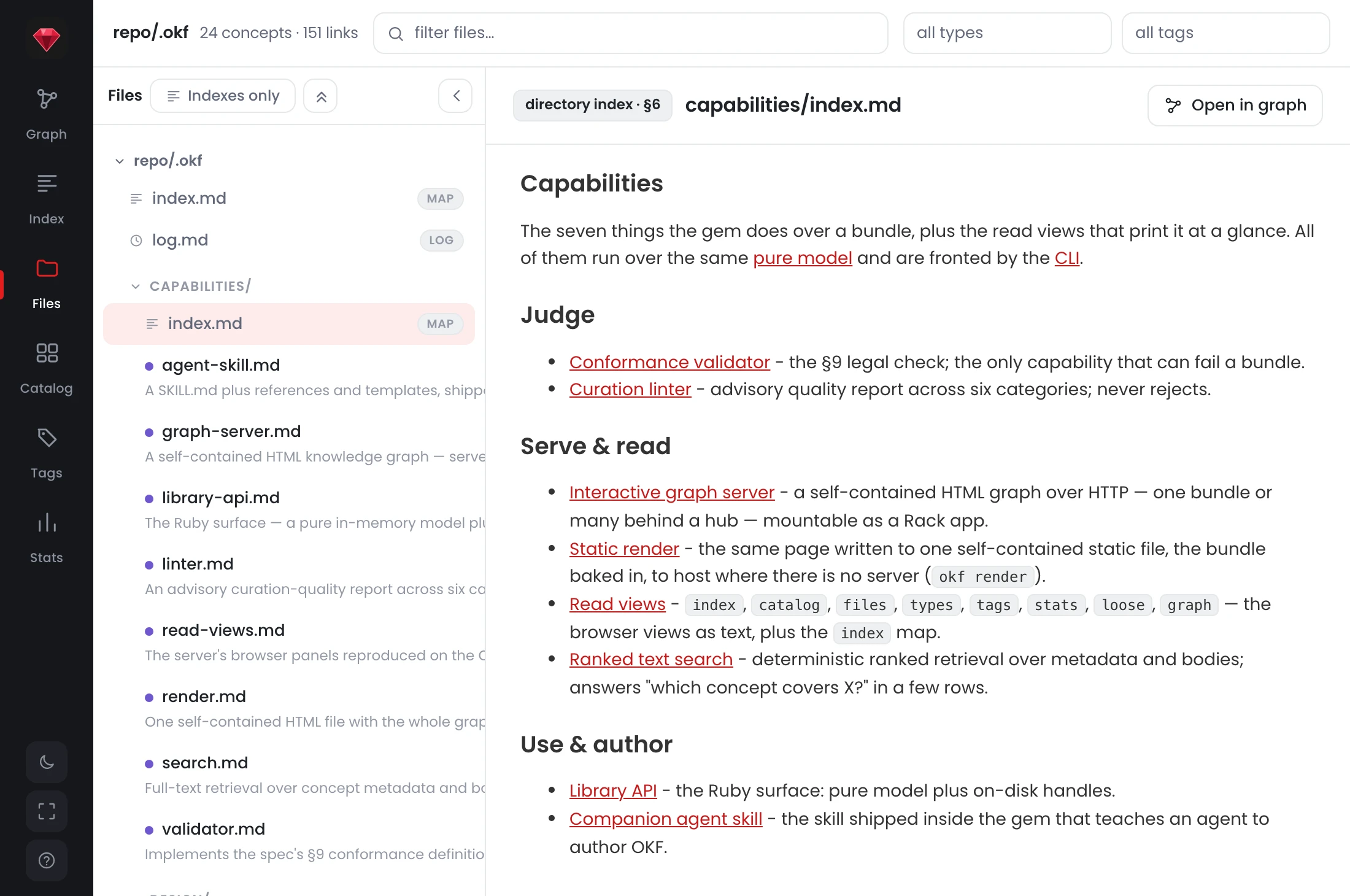
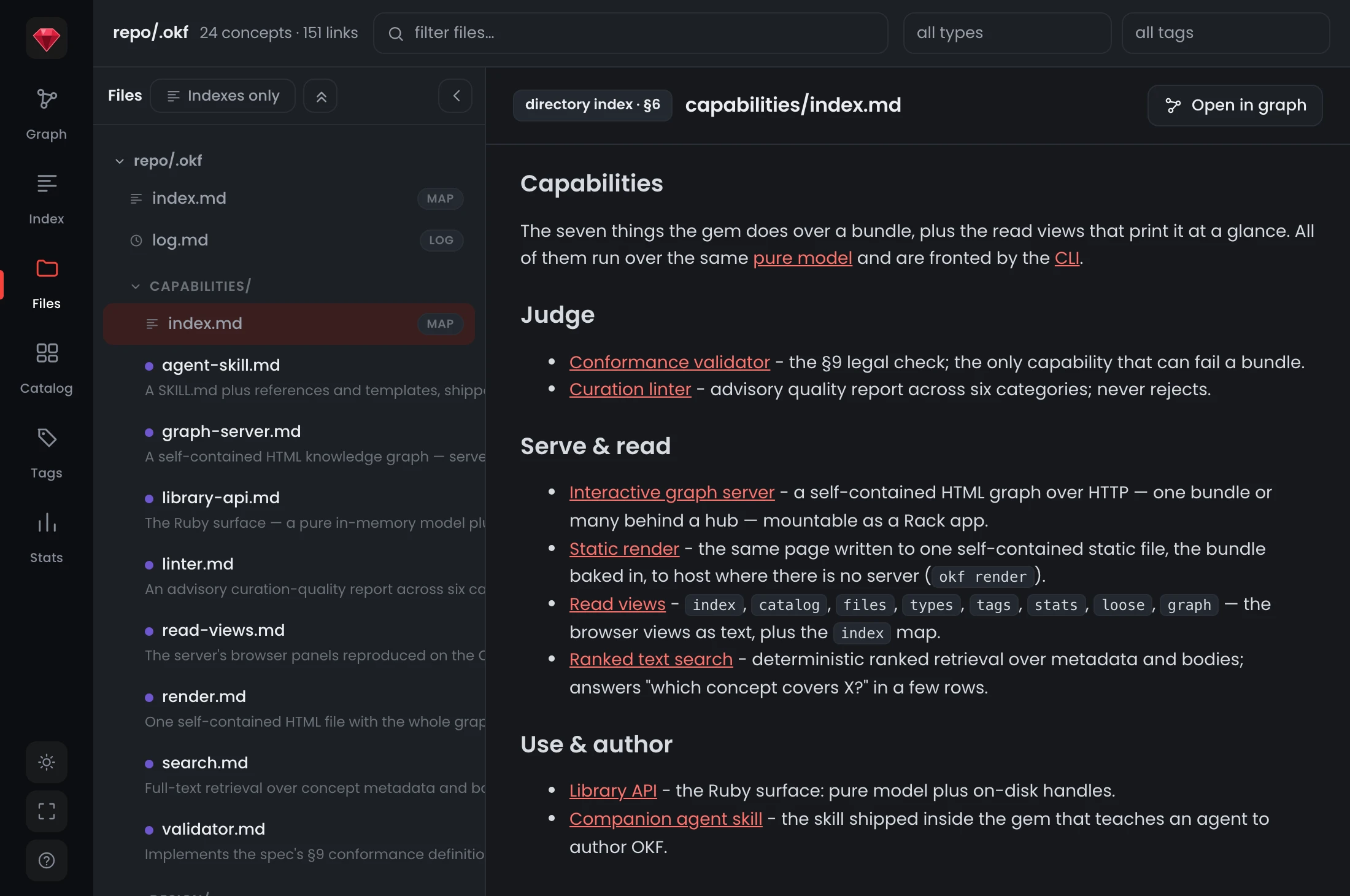
Reading the capabilities/ map no longer means leaving the folder it belongs to. The badge distinguishes the reserved files from the concepts without giving them a separate home.
Narrowing without losing your place
The old Indexes tab did have one real virtue: it showed you the authored layer and nothing else. Indexes only keeps that as a toggle over the same tree.
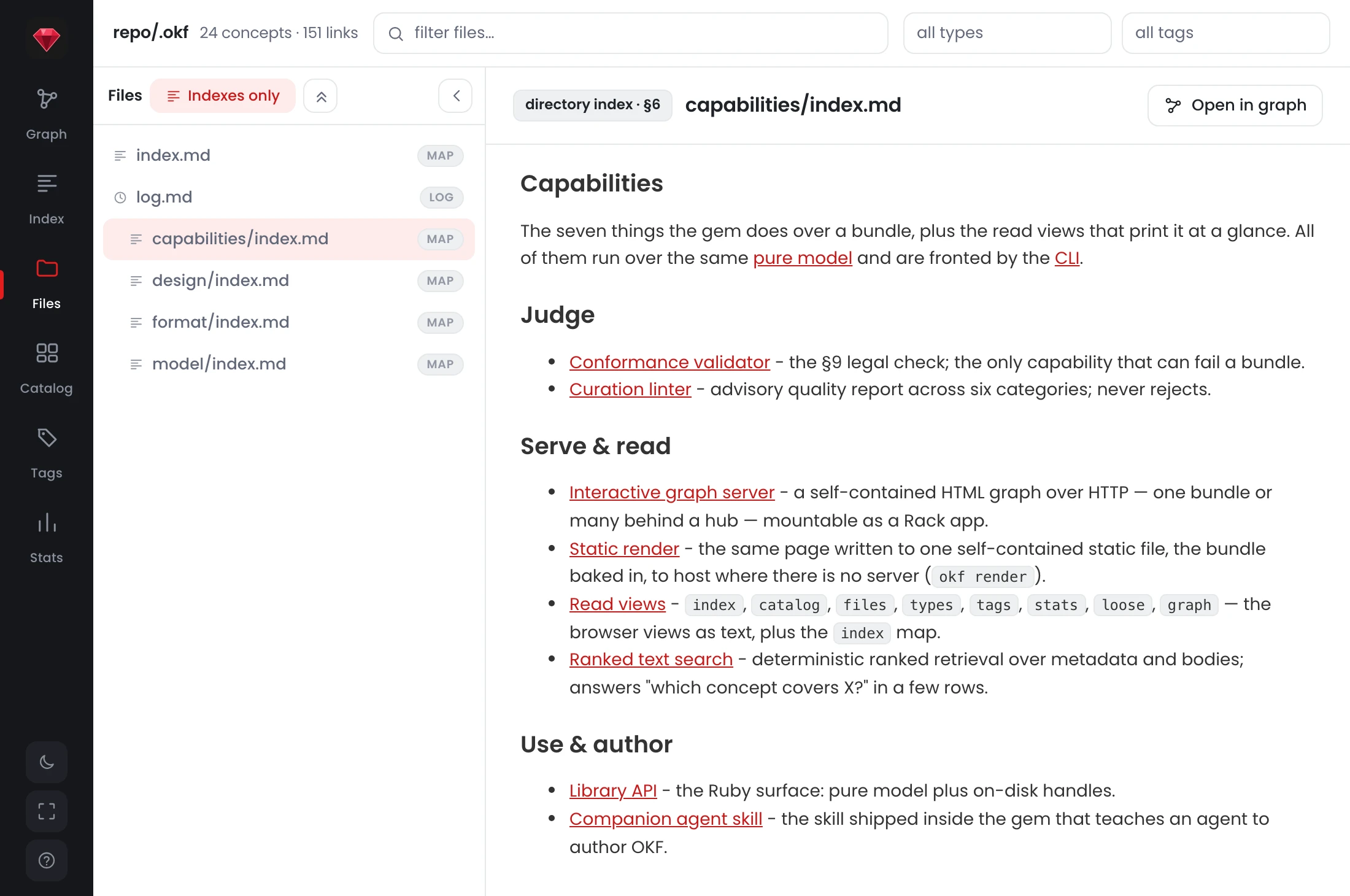
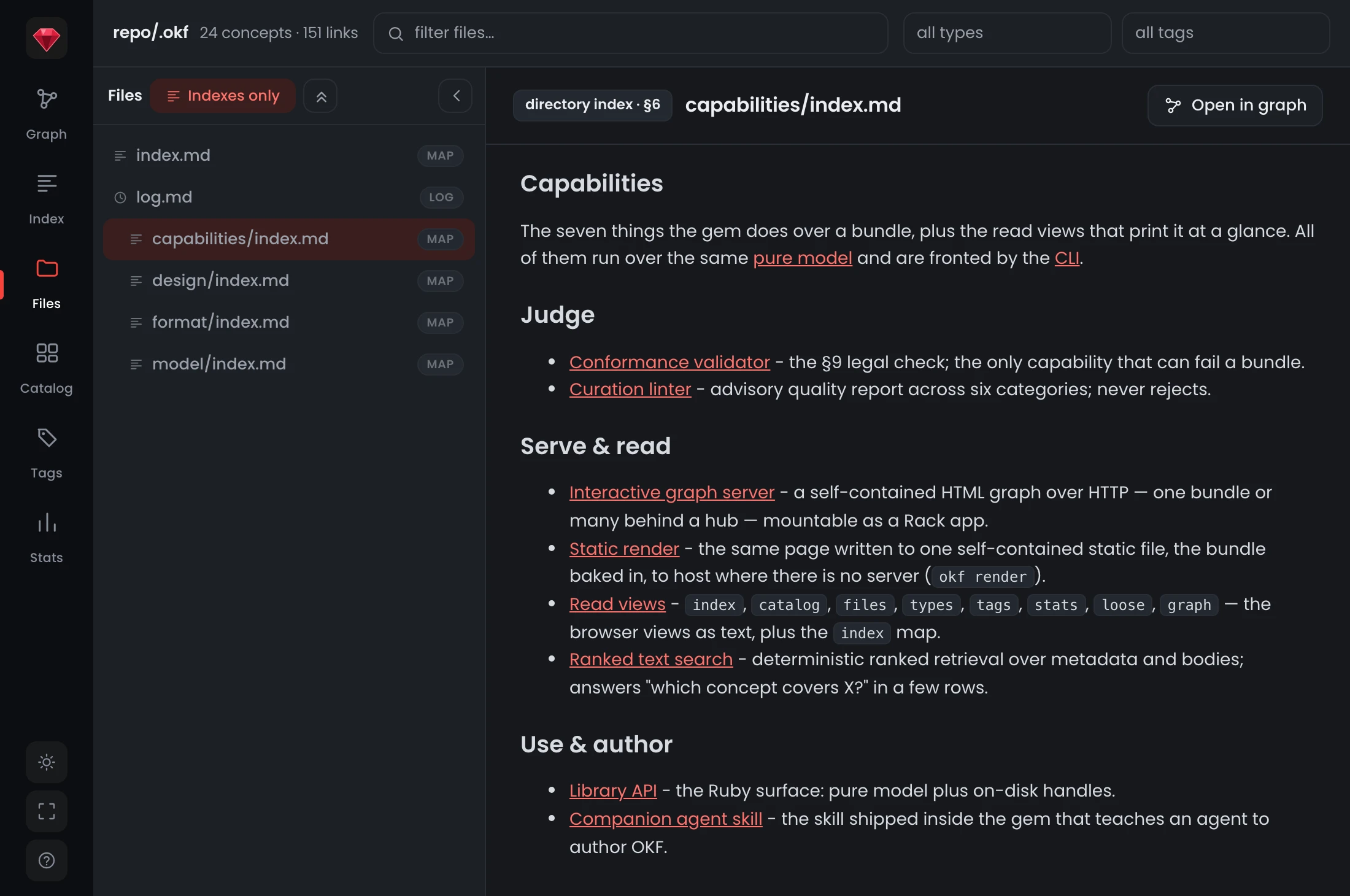
Two behaviours are worth naming. The map that was open before the toggle is still open after it, because the toggle yields when it would hide what was just opened: a map stays under it, a concept releases it. Browsing the authored layer stopped destroying the list being browsed.
And a log now offers no graph button at all. That is a correction rather than a removal: a chronology is not a place in the graph, and the button had been quietly opening the root index's node instead. Everywhere the button does appear it carries one label, because the question it answers is the same whatever is open.
Telling a newcomer that any of this exists
All of which still leaves the reader from the opening paragraph looking at unlabelled dots.
The page keeps opening on the graph, because that is what makes a bundle legible at a glance and it is the right first impression at every width. What it does now is say what the picture is:
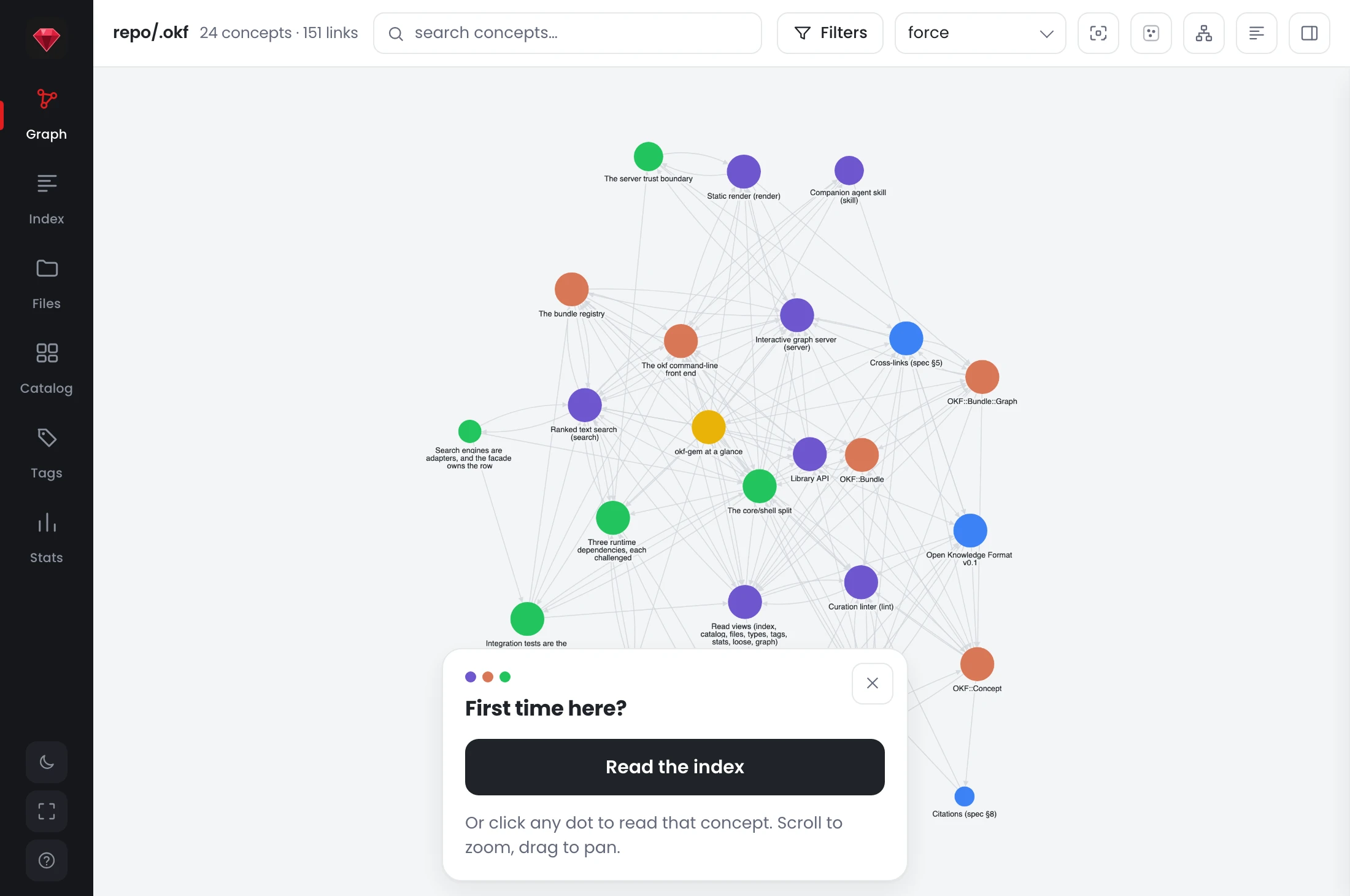
Read the index goes straight there, and the dismissal is remembered. The note says the same thing on a phone as on a desktop, but it says it in less room and it says it beside the button rather than above it, which on a landscape phone is the difference between half the screen and under a third. On compact layouts a second note points at the menu button, because that is where the rest of the page went.
The small corrections
Several fixes in this release are only visible as an absence.
Escclears the graph selection. A dense graph leaves almost no empty canvas to click, which had made deselecting a hunt.- Selecting anything emphasises it the same way. A concept dimmed the graph to its neighbourhood, a map did nothing, and a folder node did nothing either: three meanings for one gesture, now one.
- Clustering stopped leaving phantom boxes. When a filter hid every concept in an area, the cluster's labelled box lingered as an empty rectangle.
- Collapsing the root folds the file list away where the list is stacked above the reader, instead of leaving one row above a column of nothing.
- The reader header stopped rendering empty, an unlabelled badge and a graph button pointing nowhere, whenever no file was open.
None of those are features. They are the cost of a page that grew a view at a time, and they are the kind of thing you only find by watching somebody who has never seen the bundle try to read it.
Try it on a bundle you have never seen
The live demo is the okf gem's own bundle, which is a fair test: you did not write it, and you have no idea which dot matters. Turn on Show indexes, the toggle that looks like a list in the top-right group, and see whether the squares tell you where to start.
Then run it on your own, where the shapes carry information you can check:
okf server @your-bundle     # live, from disk
okf render @your-bundle -o graph.html   # the same page, one static file
The hollow tiles are the directories nobody has written a map for yet.