Find your way around a big bundle: okf 1.11.0
🇧🇷 Ler em portuguêsokf is a Ruby gem for working with OKF bundles, where a bundle is a directory of markdown files and each file is one concept, read by you and by your agent from the same source (what is OKF if this is your first look).
A small bundle needs no navigation. You list it, you read it, you are done. Somewhere past a hundred concepts that stops being true, and the tool that was helping starts handing you more than you can hold: okf index returns the whole directory tree, and the tree is what you were trying to avoid reading in one go.
okf 1.11.0 is about that gap. The directory becomes something you can ask about, cut down, and filter by, across every verb that reads.
okf dirs: the shape, and where the weight sits
$ okf dirs ./.okfEvery directory the tree has, with the number of concepts living directly in each, root first and the total last. Any bundle path works, and @your-bundle names the same thing once the bundle is registered.
Empty intermediate directories, the ones that exist only to connect the tree, are listed at 0 rather than quietly rolled up, so the column sums to the bundle's real concept count. Each row also carries a subtree count defined as exactly what --dir on that row returns, so the number and the flag can never disagree. The human table prints that column only where some directory actually nests; --json always carries it. Without it, a deep tree reads as all zeroes at the top, which is precisely where you were about to ask where the mass is.
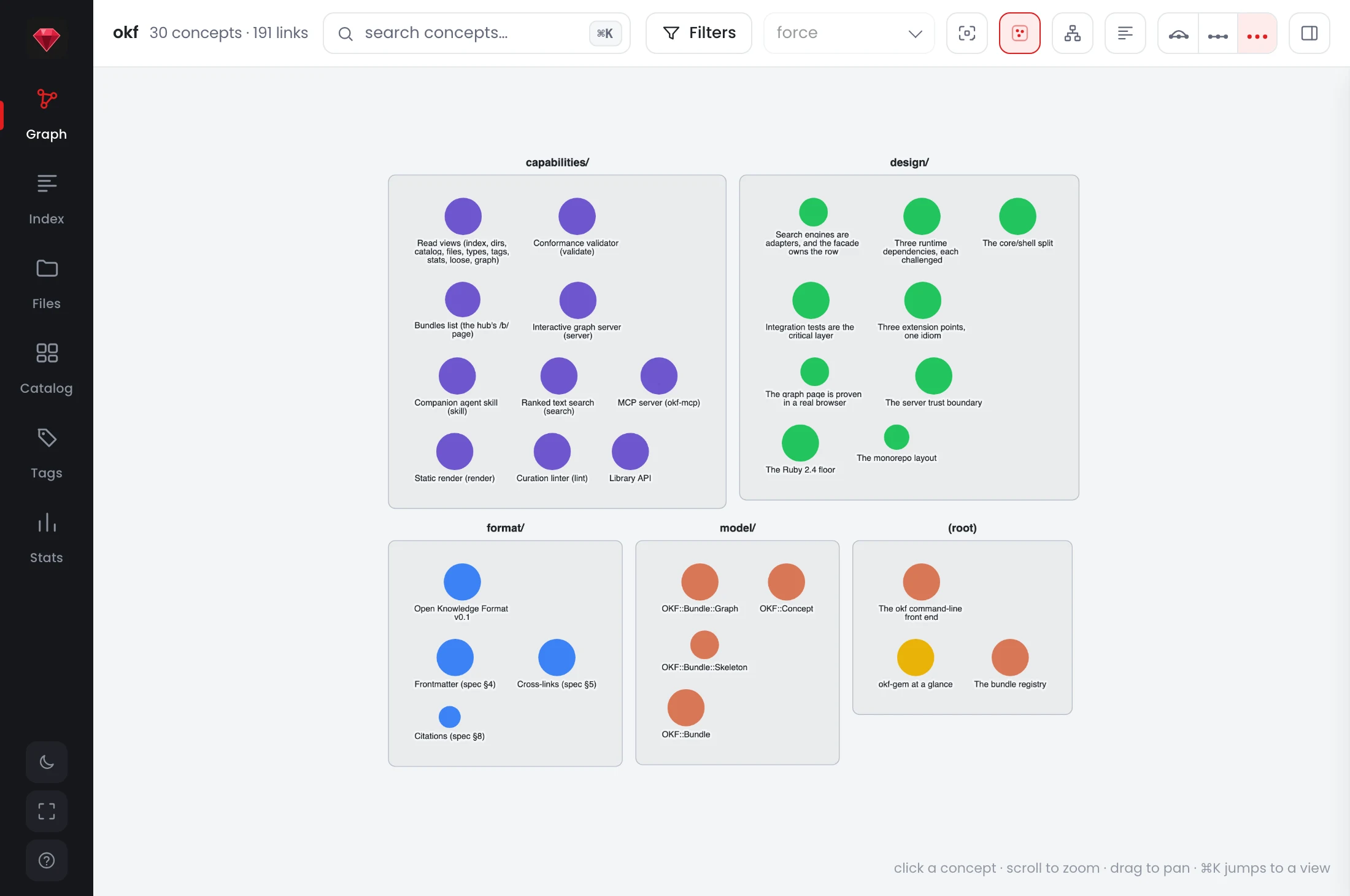
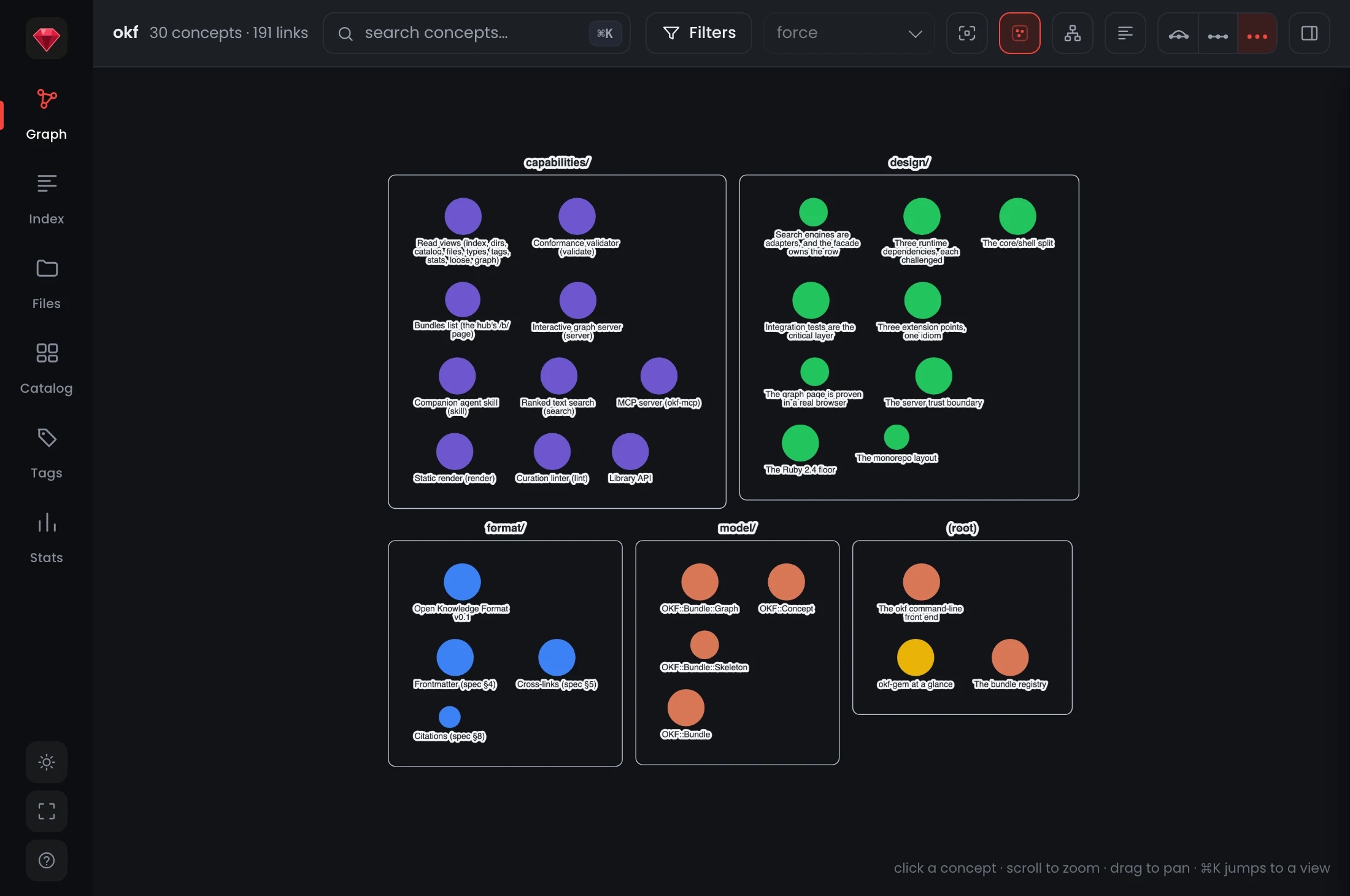
okf dirs lists, drawn: the graph page groups every concept into its directory's box, so the tree you navigate on the CLI is the shape you see in the browser.--depth: a map you can ask for less of
--depth N on index and dirs bounds how many directory levels below the starting point you keep. On the gem's own bundle, 29 concepts across 5 directories:
$ okf index @okf --json | wc -c
14345
$ okf index @okf --json --depth 0 | wc -c
2099
14,345 bytes becomes 2,099, and every word of the root's authored prose is still in it, along with the names of the directories under it. What the cut removes is the writing inside those directories, which you can ask for a level at a time.
The size of that saving is the size of your tree, and nothing more. @okf is one level deep, so --depth 1 on it returns the full 14,345 bytes unchanged: there is nothing below level 1 to cut, and the flag does not pretend otherwise. A deep tree is where it pays.
Drop the writing and the per-directory listings and it goes further still, to 1,461 bytes under --except body,listing, but be clear about which flag bought which cut: --depth chooses how much tree you keep, --except body is what removes what people wrote.
The cut is relative, not absolute. The starting point is the --dir when you give one and the bundle root otherwise, so --dir a/b --depth 1 reads "a/b and one level under it" without you working out how deep a/b is first. Ascent and descent stay separate axes, which is why --depth never bounds the chain back to the root.
Narrow to a branch and the ancestors come up with it, the root index.md's prose first among them, so a directory is never shown adrift of the authored context that says what it is. Those rows print with a leading arrow, stay out of the total, and --no-ancestors drops them.
--dir: one filter, the same rule everywhere
--dir PATH joins the shared filter set on search, catalog, files, types and tags, and index takes it as a repeatable selector.
One rule governs all of them: a concept matches when its dir is the path or sits below it. So --dir platform reaches platform/services/api, --dir platform/services narrows, and --dir . means the root alone with no special case. root is the unquoted spelling of ., and matching folds case.
Around that, the rollups caught up. tags --by dir cuts the tag index by the whole path. stats gained dirs and by_dir, read off the same map okf dirs lists, so the two verbs cannot report a different number of directories. Search rows now carry the full dir beside the first segment they already had.
--area and tags --by area are deprecated in this release. Both only ever saw a concept's first path segment, which is the level --dir and --by dir now cover in full. They keep their old behaviour exactly and warn once per run on stderr, with --json on stdout unaffected, and they go in a later release. Pairing --area with --depth or --dir is refused outright (exit 2), because the old flag used to answer with the union of the two, which is an answer to neither question.
A served bundle stops rebuilding its search index on every request
Every request to a served bundle used to rebuild the entire search corpus from scratch. Every query paid for a full index build before it could rank anything, which is a cost that grows with the bundle and that you felt on every keystroke-to-result round trip.
The corpus is now built once and held, with the build moved into boot, where okf server warms it deliberately. A query now costs what querying costs, and no longer carries the cost of assembling the thing being queried.
A held corpus is a snapshot, the same way the graph is, so the hub drops it on any registry write. A held index outliving the set it was built from is a wrong answer rather than a slow one, and slow is the better failure.
A single-bundle server can finally search itself
GET /search?q= was the hub's route alone, conceived as the cross-bundle one. That left okf server ./docs with a Cmd-K palette that could find nothing, even though one bundle is a perfectly legal one-element set. A single-bundle server and the hub now answer with the same search shape, so a client written against one works against the other unchanged. A row from a single-bundle server carries no slug, which is how it avoids answering as though it were a set.
A static okf render still advertises no endpoint, because there is no server behind it to ask.
Cluster mode follows the directory tree
The graph page used to group concepts into one flat row of boxes, one per first path segment, the same lossy projection --area was. A cluster is a directory now, and the boxes nest the way the directories do, to a depth you pick from a select beside the layout one. Depth 1 is the default and draws exactly the old view, a flat bundle is offered no control at all, and a tap on a box still opens that directory's map.
The other change is to your hands. A cluster box is scenery, not a handle: its empty interior is the largest target on the canvas, so dragging to look around used to drag the directory instead of the view, and the bigger the cluster the worse it got. Plain drag pans the canvas now, and ⌥ drag moves a box when you mean to, listed in the ? sheet.
Also fixed
--diraccepts the label the views print.okf indexlabels a rowtables/, and pasting that straight back into the flag matched nothing and exited 0: an empty result under a count that agreed with it.- The
--dirchain keeps its case, so ancestors of a directory spelled with a capital stop vanishing from the chain that exists to place the branch. - A palette hit on a single-bundle server no longer 404s or reloads the whole page to reach a node already on screen.
Upgrading
$ gem update okfIf you embed the library, OKF::Server::Hub::SEARCH_LIMIT and Hub::SEARCH_ENGINE are removed. Both moved to OKF::Server::App, which now defines the /search payload both hosts answer with, so read OKF::Server::App::SEARCH_LIMIT and App::SEARCH_ENGINE instead. If you script the CLI, --area and tags --by area still work and now warn, so move them to --dir and --by dir before a later release drops them.
Getting it
$ okf dirs ./.okf
$ okf index ./.okf --depth 1
Any bundle path works and nothing has to be registered first. okf registry set . gives that bundle a name, after which @your-bundle addresses it from any directory. New to okf: gem install okf, then getting started.
What the graph page does with the same tree lands in 1.12.0. Full detail is in the changelog.